


- Clean the drip tray and grounds container
- Clean the coffee filter
- Ensure the machine is properly turned off by pressing the Power button until the machine fully shuts down
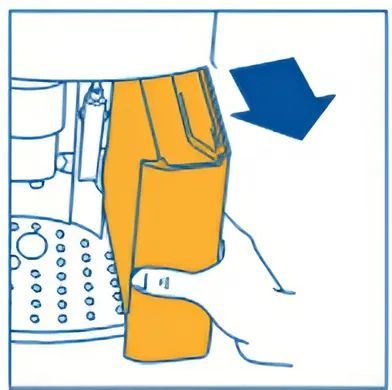
- Remove the water tank
- Open the filter door
- Remove the filter by firmly squeezing the two red tabs
- Clean the filter under running water tape without using soap or other cleaning agents
- Dry the filter
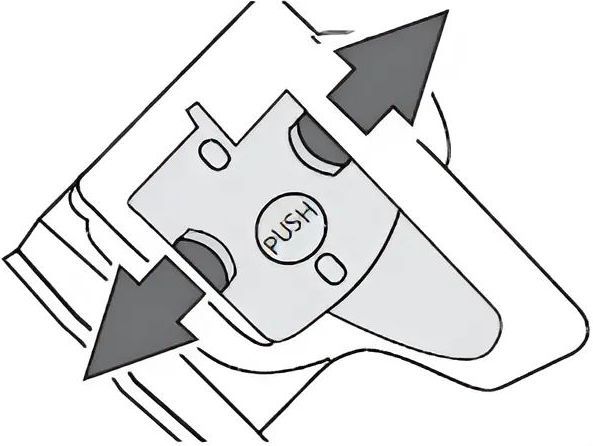
- Place the filter back in its original position and press at the spot labeled PUSH
How to Clean and Descale De’Longhi ECAM22.110
Cleaning and descaling the coffee machine is an essential step to maintain the quality of coffee and extend the machine's lifespan. For the De’Longhi ECAM22.110 coffee machine, this should be done periodically to ensure that the machine always operates efficiently and safely.
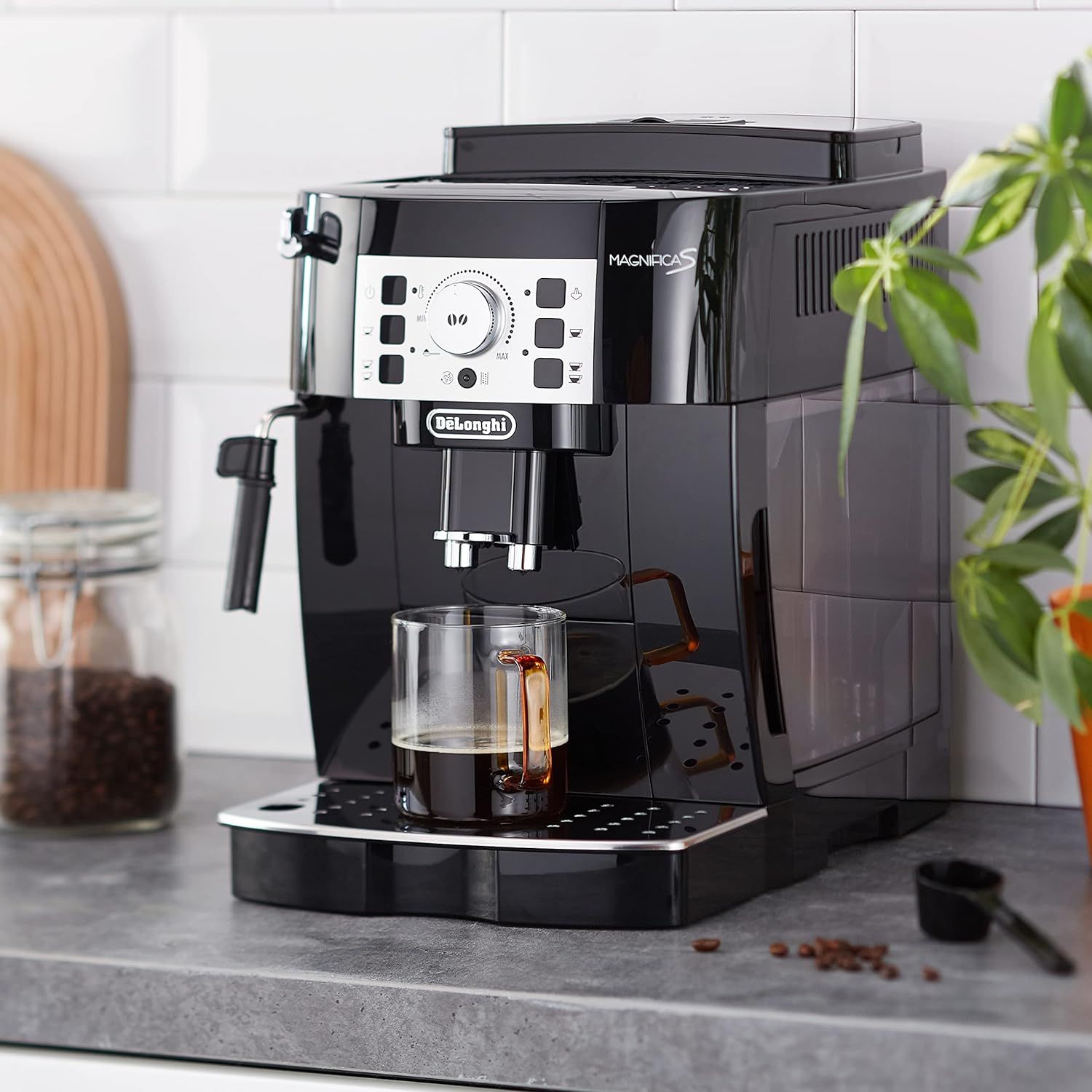
DAILY CLEANING
PERIODIC DESCALING AND CLEANING
When the descaling indicator light flashes, it is time to descale the machine using a specialized descaling agent.
- The white deposits you often see in kettles are formed during the process of calcification caused by heating water. Similarly, in coffee machines, calcium and magnesium in the water will build up inside the machine's heating element. If not cleaned, this will diminish the flavor and stability of the brewed coffee. Therefore, regular descaling of the machine is necessary.
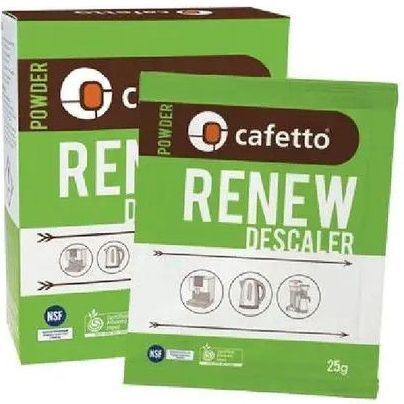
- Use Cafetto® Renew Espresso Machine Descaler.
Descaling Instructions
1. Turn on the machine.
2. Empty the water tank.
3. Pour the descaling solution mixed with water into the water tank. Place an empty container with a capacity of at least 1.5 liters under the hot water spout.
4. Wait until the indicator lights for the Espresso buttons (Single and Double Shot) are steadily lit.
5. Press and hold the Descale button for at least 5 seconds to confirm the start of the descaling process.
6. During descaling, the lights on the button will remain lit to indicate that the descaling program is in progress.
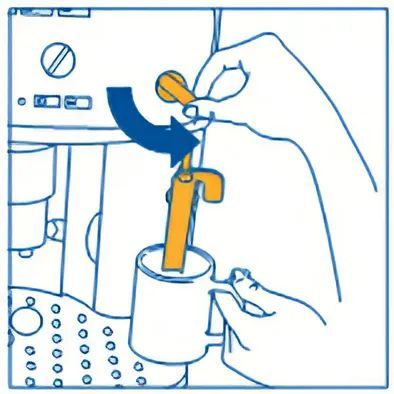
7. Turn the steam wand counterclockwise. The descaling solution will flow out through the steam wand into the container below.
8. The descaling program will automatically perform a series of rinses and will stop automatically to remove lime scale inside the machine.
9. After about 20 minutes, the water tank will be empty and the light will turn on. Turn the steam wand clockwise as far as it will go.
10. The machine is now ready to be rinsed with clean water.
11. Empty the container used to catch the descaling solution and place it back under the steam wand.
12. Remove the water tank, rinse it under running water, fill it with clean water, and place it back in its position.
13. Turn the steam wand to allow water to flow out through the wand.
14. When the water tank is completely empty, the light will turn on.
15. Turn the steam wand back to the 0 position, refill the water tank, and the machine will automatically turn off.
16. Brew 1-2 cups of coffee and discard them, then use the machine as normal.
Detailed instructions for Cleaning and Descaling the De’Longhi ECAM22.110 coffee machine, helping you keep the machine clean and your coffee tasty.
Hope this information helps you enjoy the best coffee moments with your De'Longhi ECAM22.110!
#ECAM22110 #DeLonghiECAM22110
Discover De'Longhi Accessories
-
De'Longhi vacuum valve coffee container - Silver Write a description for this list item and include information that will interest site visitors. For example, you may want to describe a team member's experience, what makes a product special, or a unique service that you offer.
List Item 1 -
De'Longhi vacuum valve coffee container - Black Write a description for this list item and include information that will interest site visitors. For example, you may want to describe a team member's experience, what makes a product special, or a unique service that you offer.
List Item 2 -
Set of 2 espresso glasses De'Longhi (90ml) Write a description for this list item and include information that will interest site visitors. For example, you may want to describe a team member's experience, what makes a product special, or a unique service that you offer.
-
De'Longhi Thermal Mug Ceramic Cup Write a description for this list item and include information that will interest site visitors. For example, you may want to describe a team member's experience, what makes a product special, or a unique service that you offer.

Nhỏ gọn để mang theo - đa năng để sử dụng – tiện lợi cho cuộc sống bận rộn.
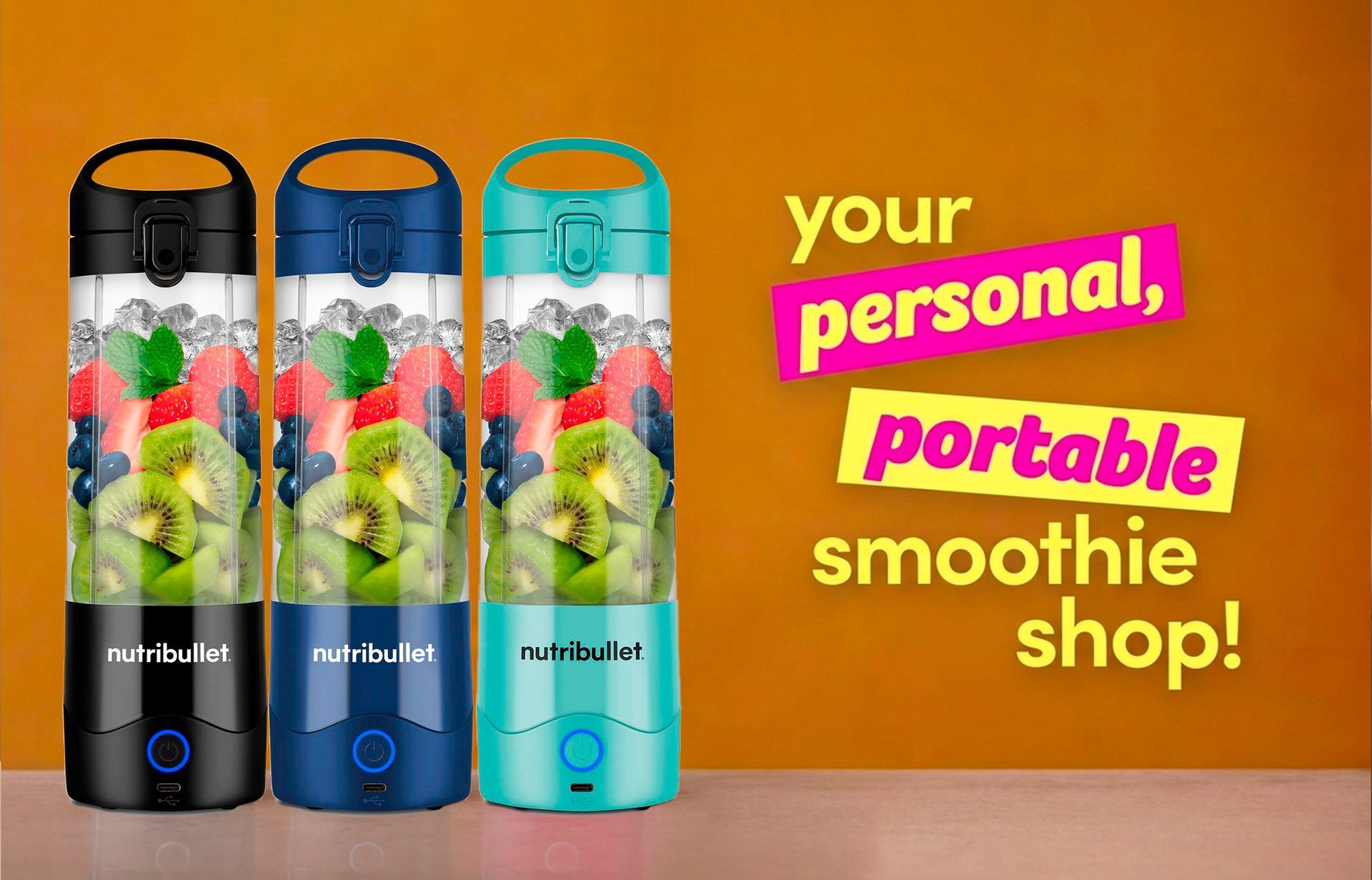
Pin 2.000mAh cho khả năng xay hơn 15 lần với 1 lần sạc, kết hợp lưỡi dao thép không gỉ 4 cánh, xay nhuyễn hiệu quả mọi nguyên liệu.
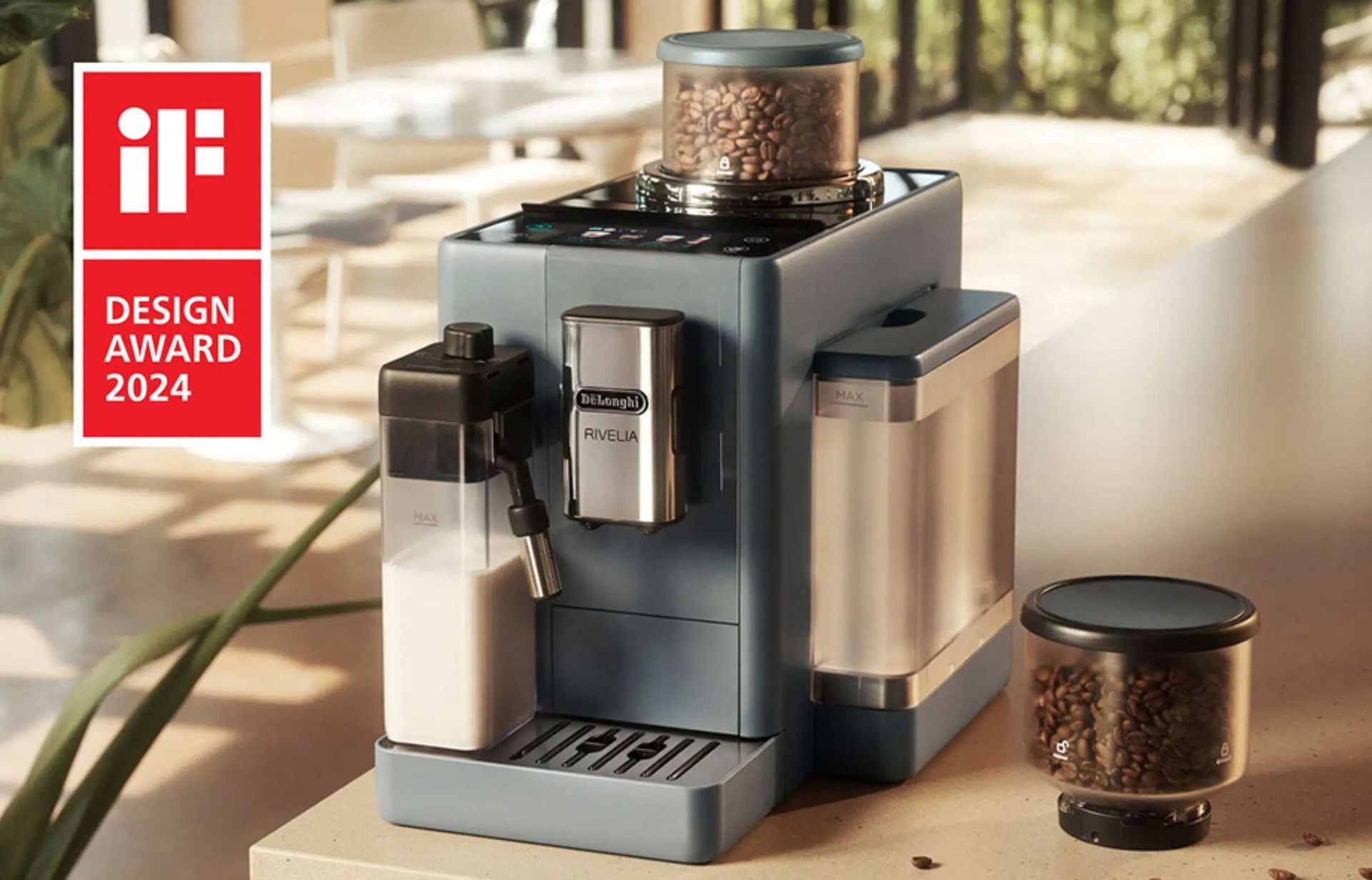
Hơn cả một chiếc máy pha, Rivelia là một thiết bị pha chế thông minh, đầy tính cá nhân hóa, để trải nghiệm cà phê mỗi ngày của bạn là một khoảnh khắc thư giãn và thoải mái.
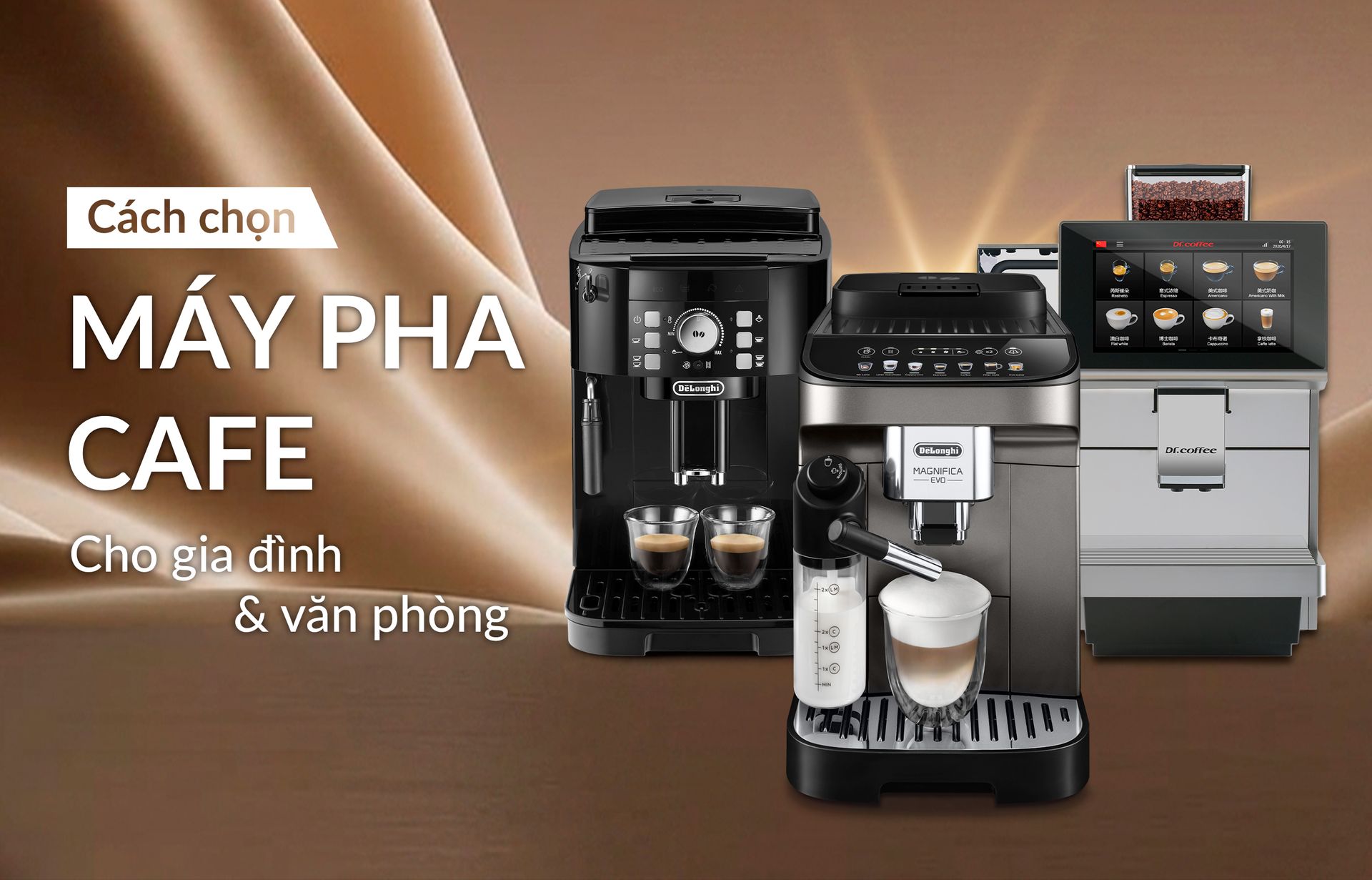
Những tiêu chí để chọn được chiếc máy vừa đáp ứng nhu cầu pha chế, phù hợp không gian và tối ưu ngân sách.
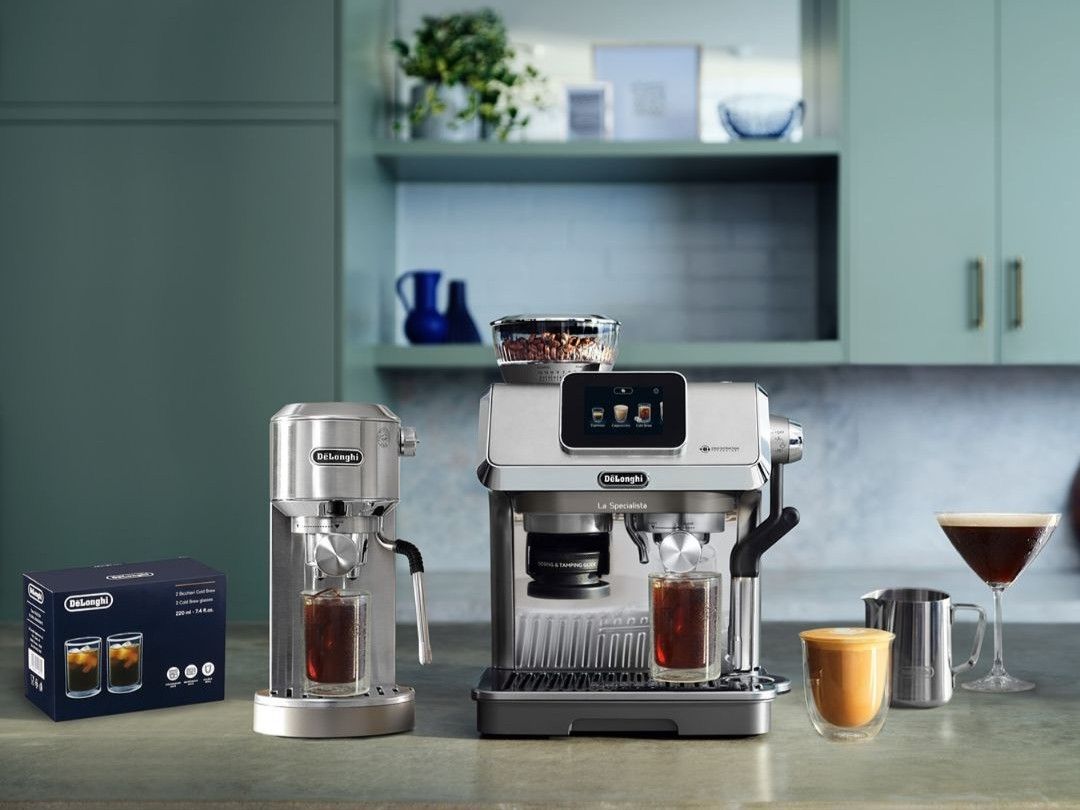
Kinh nghiệm chọn máy cùng các lưu ý.

Công thức vẫn giữ trọn vị caramel ngọt ngào, nhưng được cân bằng tinh tế bởi một chút vị mặn của muối, tạo nên hương vị hài hòa và cuốn hút hơn.
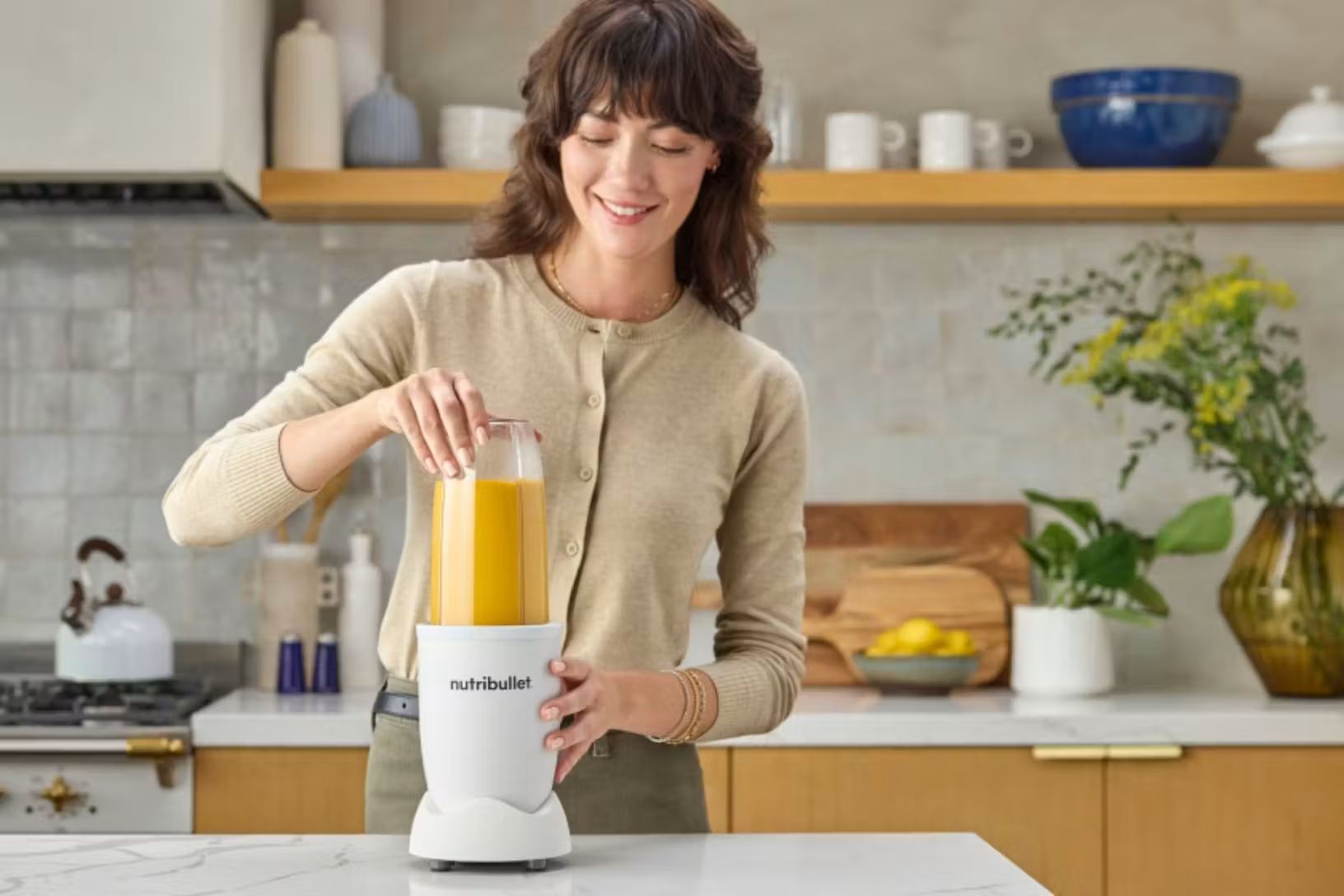
Bảo vệ động cơ từ chính cách bạn sử dụng máy mỗi ngày.
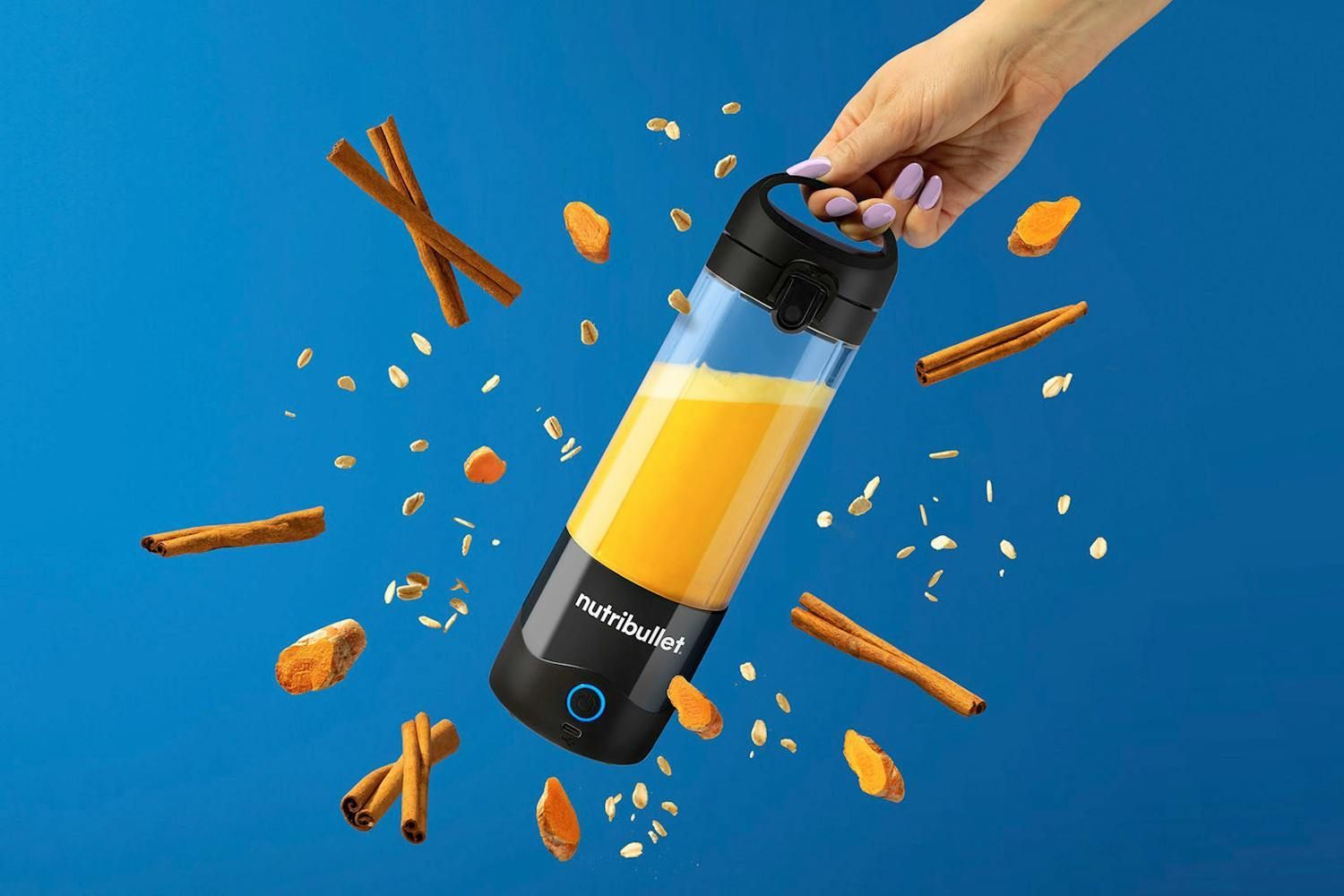
Thức uống healthy vừa đậm đà hương vị với các loại gia vị có đặc tính chống viêm và chống oxy hóa.

Trao đổi chất là quá trình chuyển hóa những gì chúng ta ăn thành năng lượng để cơ thể hoạt động và phát triển.

Việt Nam chiếm tỷ trọng 18% sản lượng cà phê nhân toàn cầu, dẫn đầu thị trường Châu Á.